1
Restaurant sets the room
Managers build tables and sections, mark eligible inventory, and choose Fixed, Dynamic, or Express rules.
How it works
Seatd connects reservations, waitlists, guest choices, staff seating decisions, Floor Map context, and demand-based access revenue without taking final control away from the restaurant.
The flow
Managers build tables and sections, mark eligible inventory, and choose Fixed, Dynamic, or Express rules.
Guests compare free and paid reservations, or join the free waitlist and choose Express when it is available.
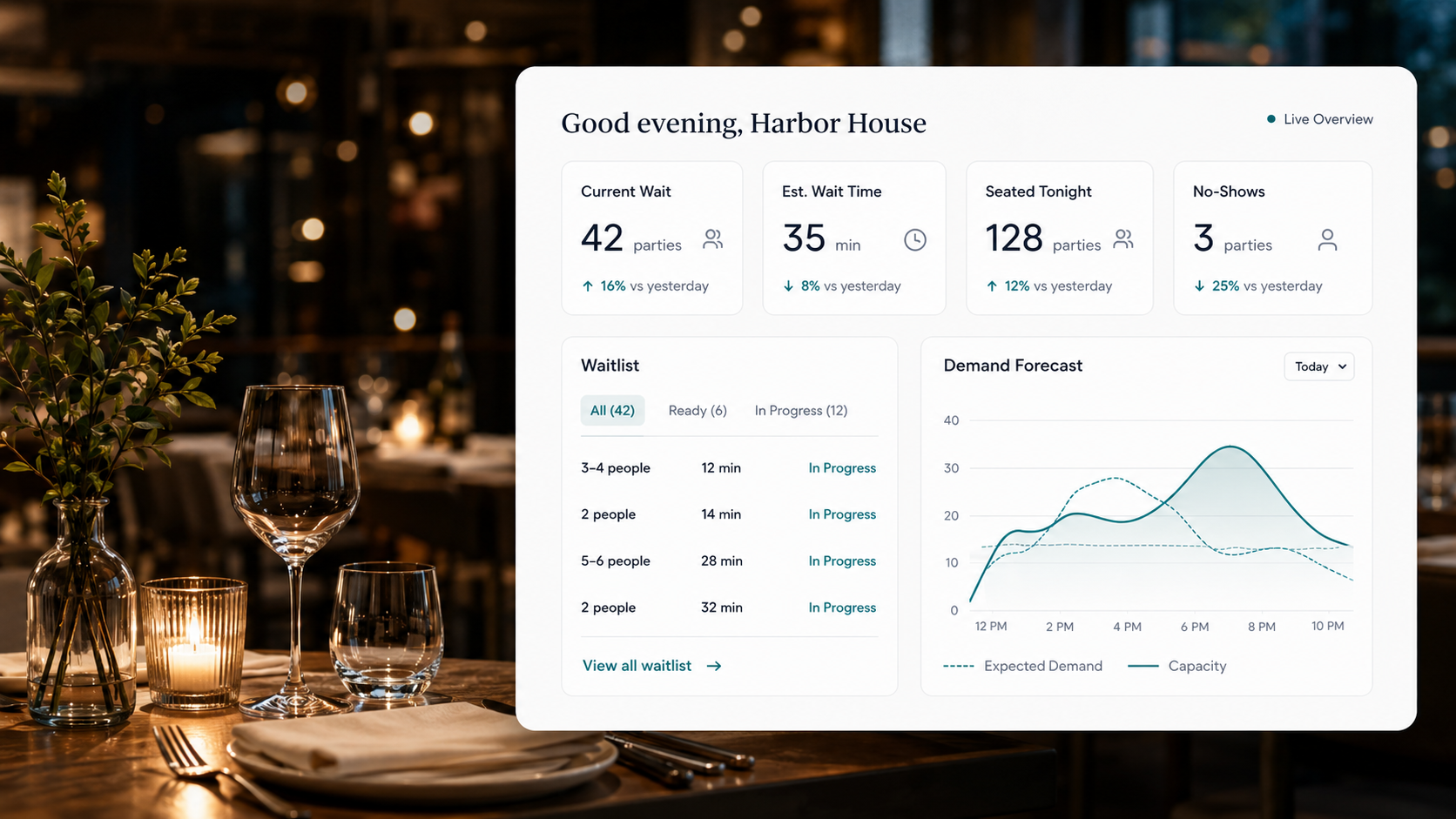
Hosts see reservations, party status, table status, protected guests, and the practical next action.
The restaurant controls final seating while successful paid access creates incremental revenue.
Seatd
Do next
Miller Party is checked in. Keep Table 6 held until the current party leaves.
Party 29
4 top
~10 min
Miller Party
4 top
Table 6
Rivera Party
2 top
18 min
Chen Party
6 top
Text sent
Seatd gives guests more options without taking control away from staff. Hosts still use their eyes, table knowledge, and final judgment.
Fixed and Dynamic reservations arrive with booked time and table context. Express protects priority for the next qualifying table. In every model, party size, table eligibility, current guests, and host judgment still matter.
Seatd
Do next
Miller Party is checked in. Keep Table 6 held until the current party leaves.
Party 29
4 top
~10 min
Miller Party
4 top
Table 6
Rivera Party
2 top
18 min
Chen Party
6 top
Text sent
Seatd organizes expected guests and live walk-ins without treating them as the same operational moment.
Example: A 7:00 reservation can be protected while a new walk-in remains visible in the ordinary waitlist.
Review the workflowThe guest sees simple status language while staff keeps access to the real party details they need.
Example: The public display can show Party 29 while the host stand still shows name, party size, phone, and notes.
Try the guest demoManagers get demand and access signals without forcing hosts to become analysts during service.
Example: A manager can see game-day pressure and pause Express if the kitchen or floor needs recovery time.
See restaurant controlsExplore the platform, compare the three models, or start a pilot conversation with Seatd.